Compare retinal cameras by the details their manufacturers publish, then pick the one that fits your clinic or home visits.
How to compare cameras
For primary care and home health teams, the best camera is the one your staff can use quickly on every patient, wherever you see them. Score each camera on these eight points, and use the comparison table below to line them up.
1
Speed per patient
How long one exam takes, from seating the patient to a saved image. Auto-capture and fast capture keep the camera from slowing a busy clinic schedule.
2
Ease of use for your staff
MAs, nurses and home health aides run these exams, not eye-care techs. Auto-focus, auto-alignment and on-screen guidance mean less training and fewer retakes.
3
Mobility & home visits
For home health and outreach, look at weight, battery life and carrying case. A camera that fits in a visit bag goes to the patient instead of the patient coming in.
4
Form factor & space
Handheld cameras move between exam rooms and homes. Tabletop cameras need a dedicated table and outlet but automate more of the capture.
5
No dilation needed
The smaller the pupil a camera can image through, the more patients you can screen without drops, so visits stay short and patients can drive home.
6
Getting images read
How images get from the camera to Orvos for reading: Wi-Fi, cellular or cloud upload from the field, USB, or DICOM, and how results get back into your EHR.
7
Gradable first image
Image quality and field of view decide whether the first capture is readable. Fewer ungradable images means fewer repeat visits and callbacks.
8
Total cost & support
Compare purchase or lease price, warranty, repair turnaround and staff training. A camera that is down for service means missed screenings.
Compare cameras
Tick up to 3 cameras to see every detail side by side.
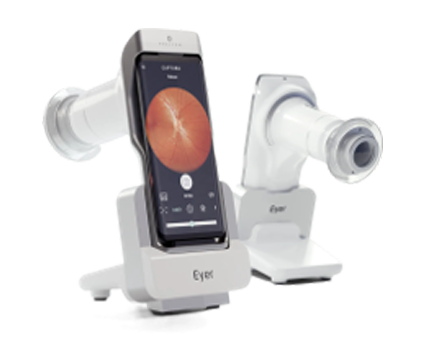
A smartphone-integrated, non-mydriatic handheld retinal camera with autofocus, anterior-segment capture and automatic upload to the EyerCloud telemedicine platform.
Highlights
Integrated smartphone with 6.1" AMOLED screen
Color, red-free and anterior segment exams
Panoramic images over 100° using 9 internal fixation points
Automatic EyerCloud integration for remote reading
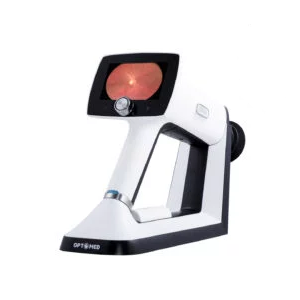
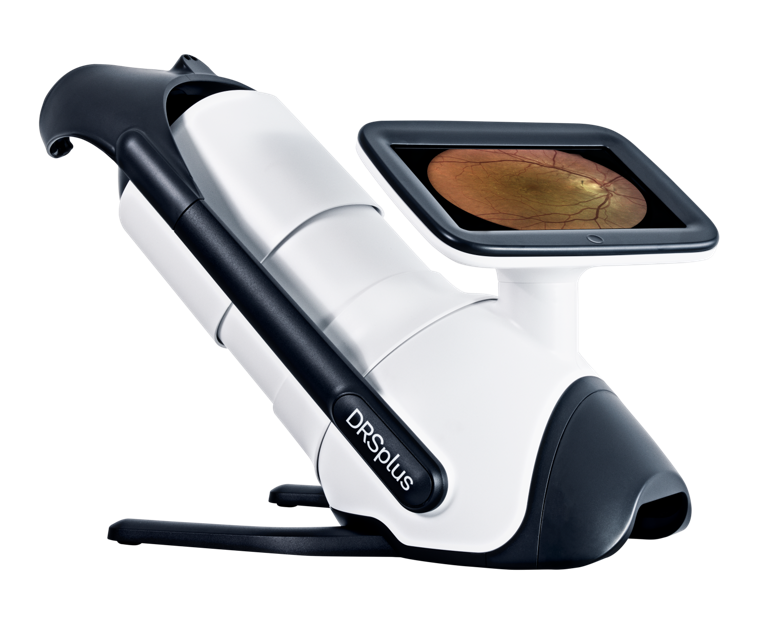
A versatile non-mydriatic handheld fundus camera that captures retinal and anterior-segment images and travels to the patient for point-of-care screening.
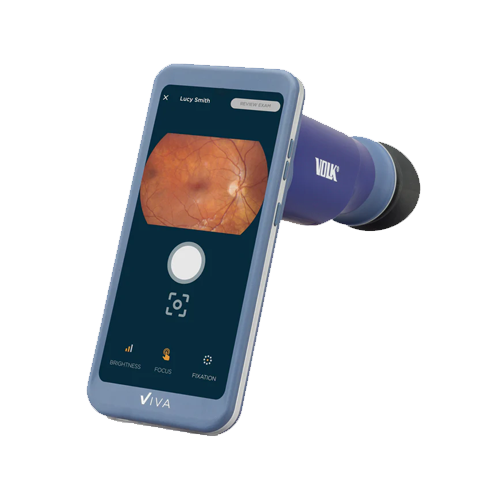
A non-mydriatic handheld retinal camera that captures images in under 60 seconds, connects directly to DICOM systems and links to partner retina reading services.
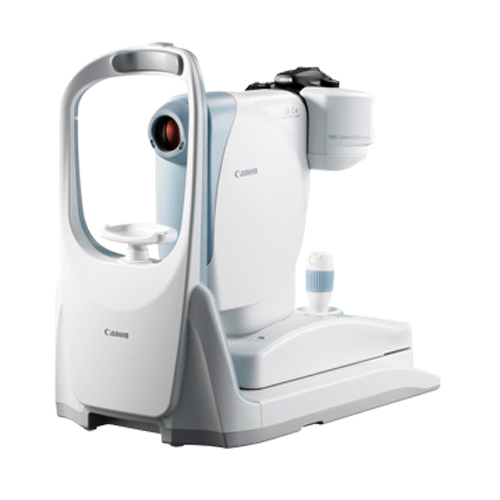
A robotic, fully automated non-mydriatic tabletop camera that uses slit scanning for consistent images, even through small pupils and in ambient light.
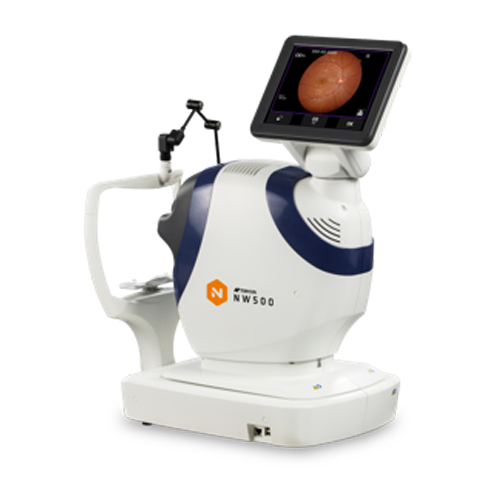
An all-in-one automated non-mydriatic tabletop fundus camera with a built-in 12-megapixel camera, tiltable touch screen, low flash and a quiet shutter.
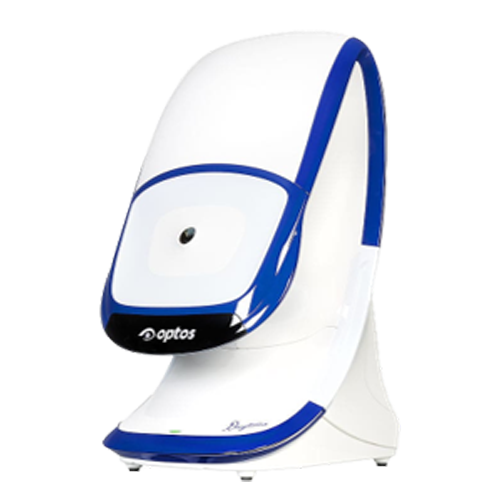
An ultra-widefield (UWF) tabletop retinal imager that captures a single 200° optomap image, up to 82% of the retina, in under half a second without contact. It was designed for healthy-eye screening and ships with OptosAdvance browser-based review software.
Highlights
200° single-capture optomap image (up to 82% of the retina)
Non-mydriatic, non-contact imaging through most cataracts and 2 mm pupils
Color, red-free, choroidal and green autofluorescence modalities
OptosAdvance software with auto-montage to 220° (97% of the retina)
Stereo disc imaging and 3D Wrap for patient education
A fully automated tabletop confocal fundus imaging system that uses white LED illumination for TrueColor 45° retinal images. It images through pupils as small as 2.5 mm without dilation, and its mosaic function builds panoramic views up to about 80°.
Highlights
TrueColor confocal imaging with white LED illumination
Non-mydriatic imaging through 2.5 mm pupils, and through cataract
Auto-alignment, auto-focus, auto-exposure and auto-capture
Red-free, blue, red, external eye and stereo (optional) views
Optional remote viewer for up to 5 stations on the local network
Details come from each manufacturer's product pages, brochures and FDA documents, checked November 2026. Specifications change. Confirm FDA indications, EHR and reading-service integrations, and pricing with the manufacturer before purchasing. Orvos Healthcare isn't affiliated with these manufacturers. Product names and trademarks belong to their owners.